HeyYa is an AI video and image generation workspace for creators, marketers, ecommerce teams, and builders who need visual assets without switching between separate model tools. The workspace brings text-to-video, image-to-video, AI image generation, image editing, effects, and product showcase workflows into one place. You can start from a prompt, add reference images or video when a model supports it, choose the right generation tool, and keep the outputs in the same creative workspace.
The product focuses on practical generation flows rather than a single model brand. HeyYa can route creative work across model families such as Seedance, GPT Image, Veo, Sora, Kling, Nano Banana, Flux, Runway, Luma, and other supported providers as they become available. Each public tool page explains the input type, output type, estimated credit cost, and the kind of result that model or workflow is designed for.
Model availability is described on each public tool page. Some models support only prompt input, some support reference images, some support image-to-video, and some generation settings vary by provider. HeyYa does not promise unlimited resolution, guaranteed realism, perfect text rendering, or exact product accuracy. The workspace is designed to stay easy to understand: choose a tool, provide the right input, generate a result, and refine from there.
Common use cases include turning a written scene into a short video, transforming product photos into ecommerce clips, creating product or campaign images from a prompt, and trying different model families from the same workspace. These flows help teams move from concept to reusable visual assets without leaving the workspace.
AI video generation
Generate short videos from prompts, reference images, or supported video inputs. HeyYa video pages are organized around real use cases such as text-to-video, image-to-video, video extension, cinematic motion, and ecommerce product clips.
AI image generation
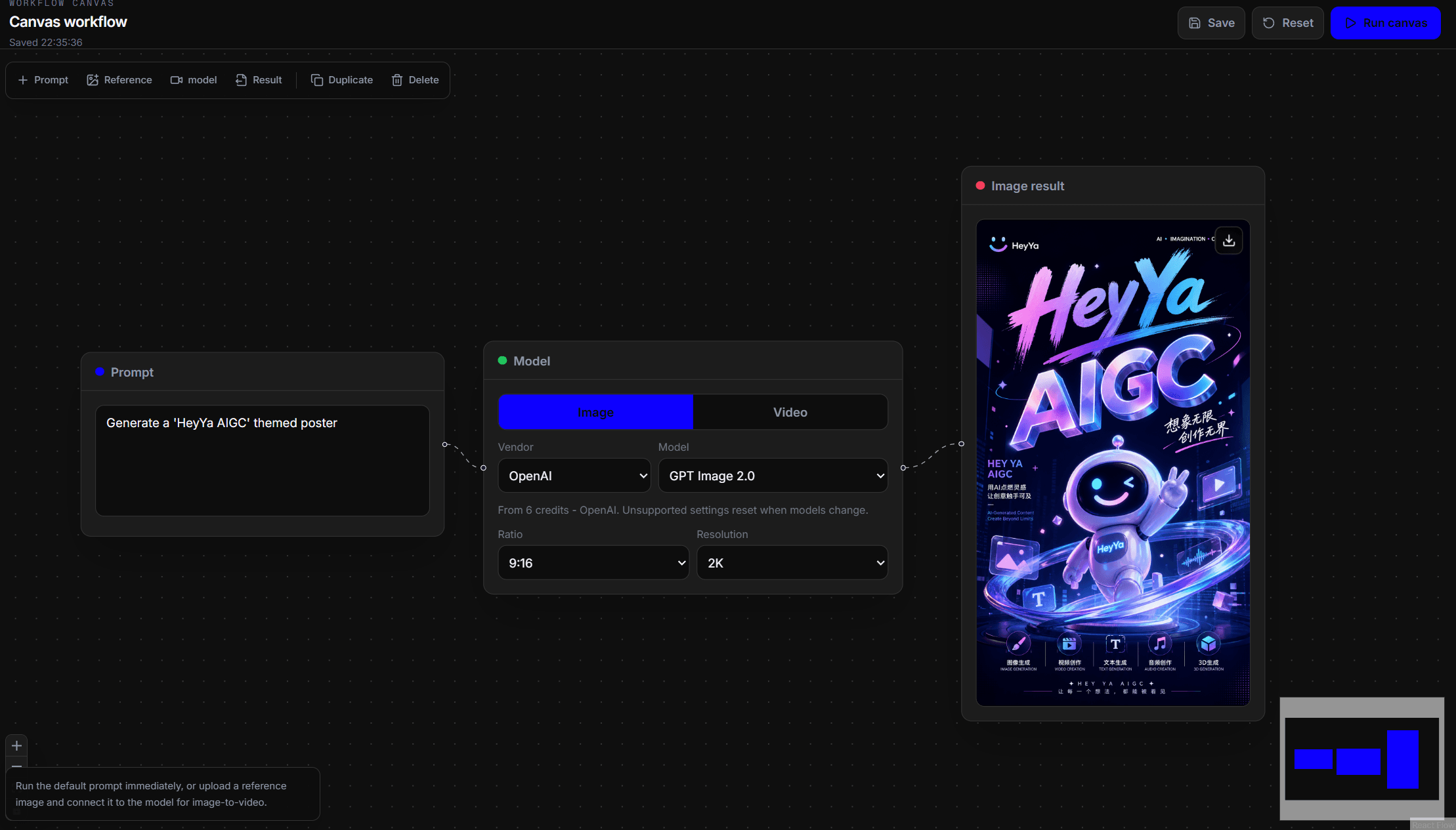
Create images, posters, product scenes, editable concepts, and visual variations with image models such as GPT Image, Nano Banana, Flux, and Seedream. Image workflows can support prompt-only generation or reference-based editing depending on the selected model.
Product showcase workflow
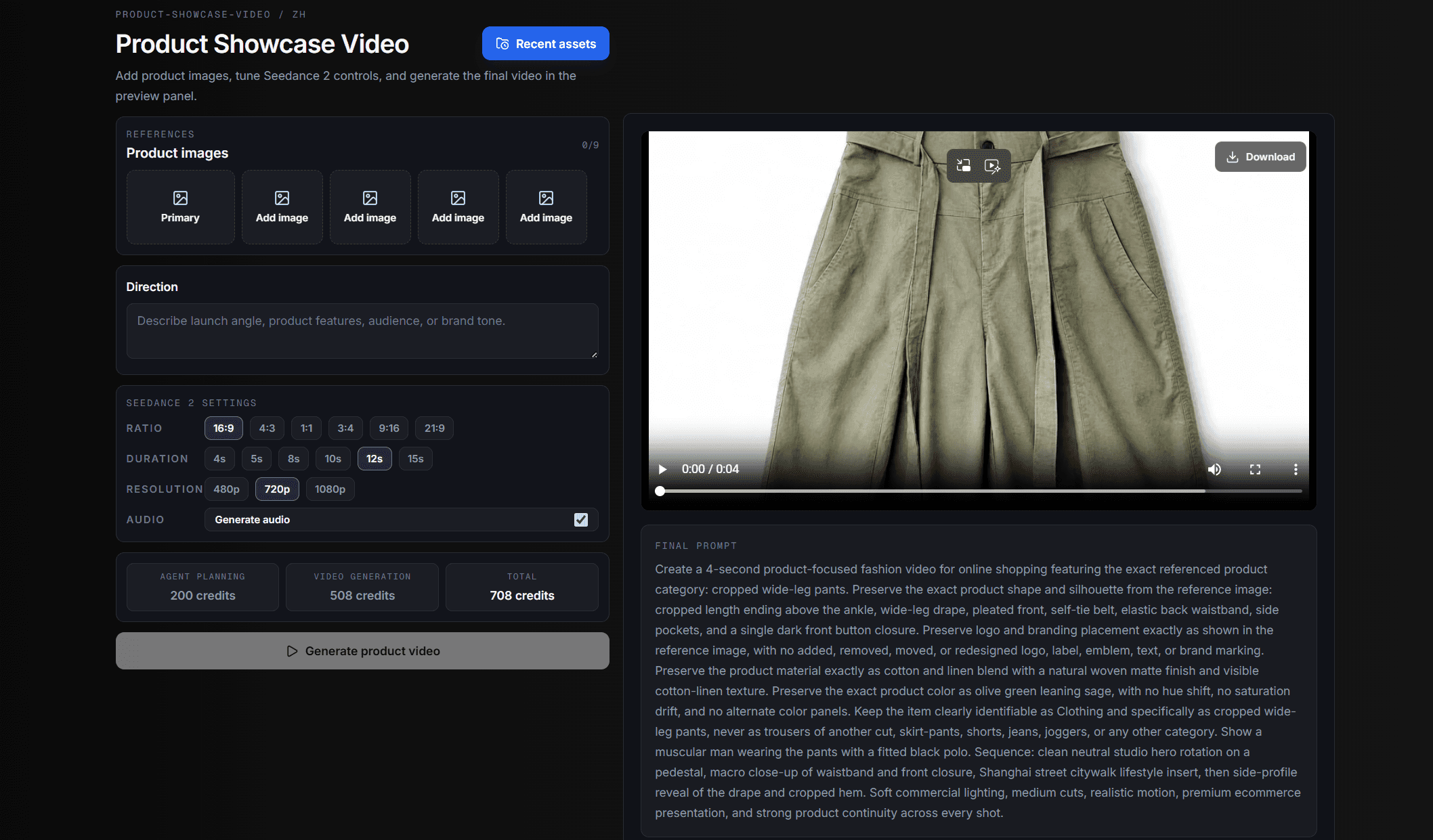
Turn product photos into direct showcase video runs. The product video workflow can help analyze product images, plan ecommerce shots, prepare generation prompts, and produce a video-ready result from the same workspace.