
電商智能體 · Beta
01
電商智能體 · Beta
一張商品圖,生成可用於電商與社群的展示影片。
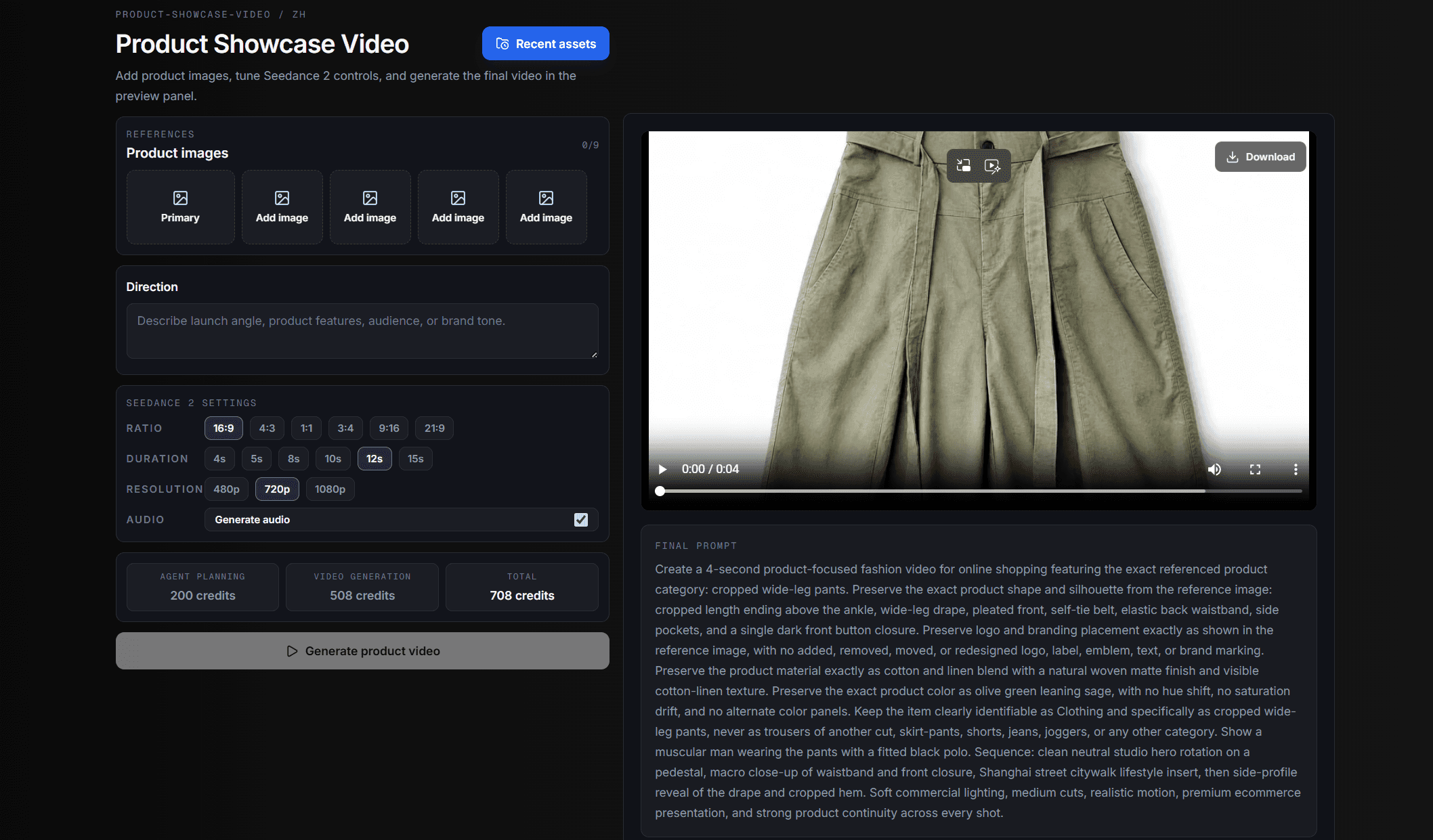
上傳商品參考圖,寫下賣點、受眾或品牌語氣,HeyYa 會把商品識別、鏡頭規劃、Seedance 參數和最終預覽放在同一個流程裡,生成後可直接查看或下載。
打開電商智能體一個創作工作區
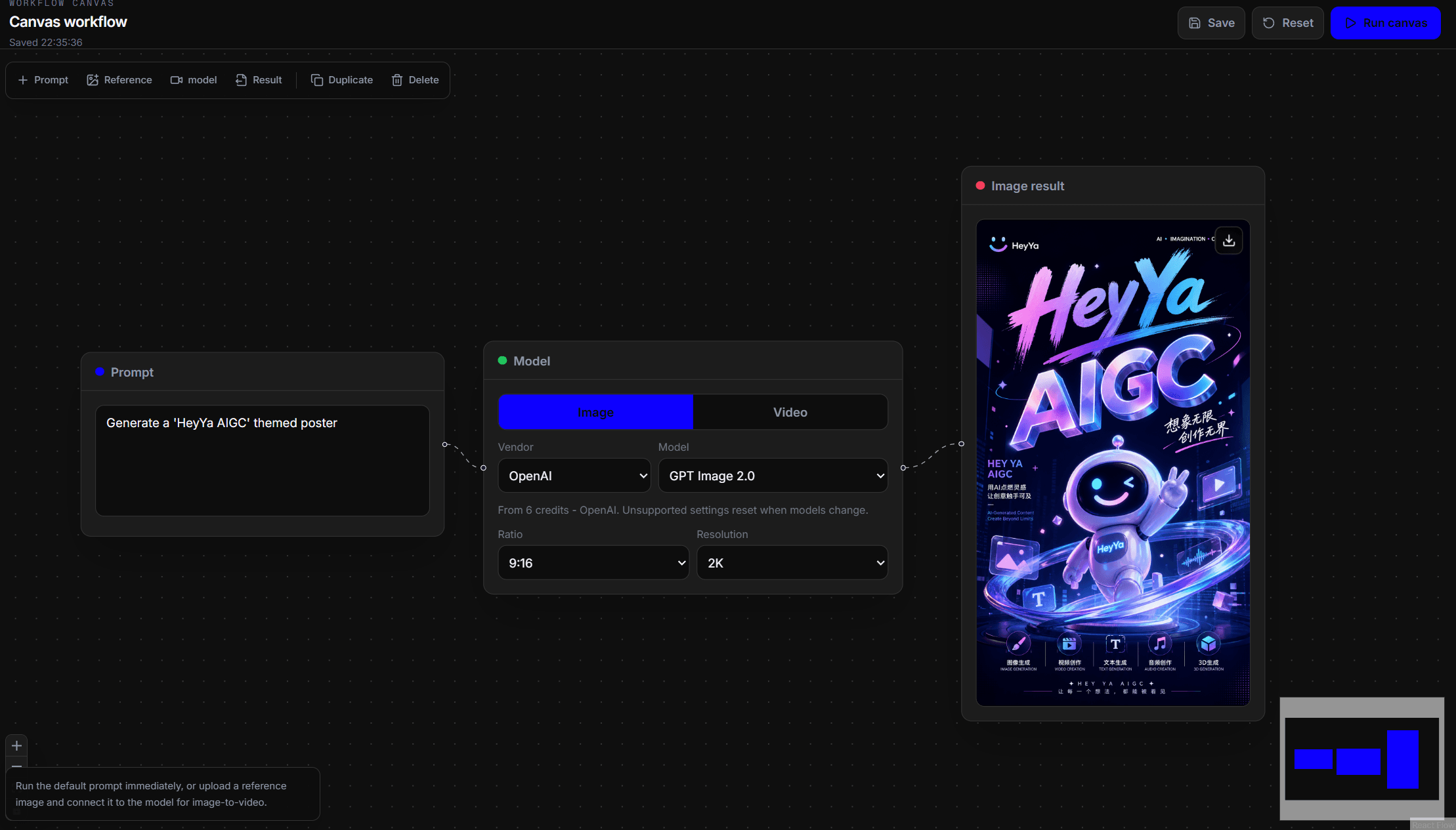
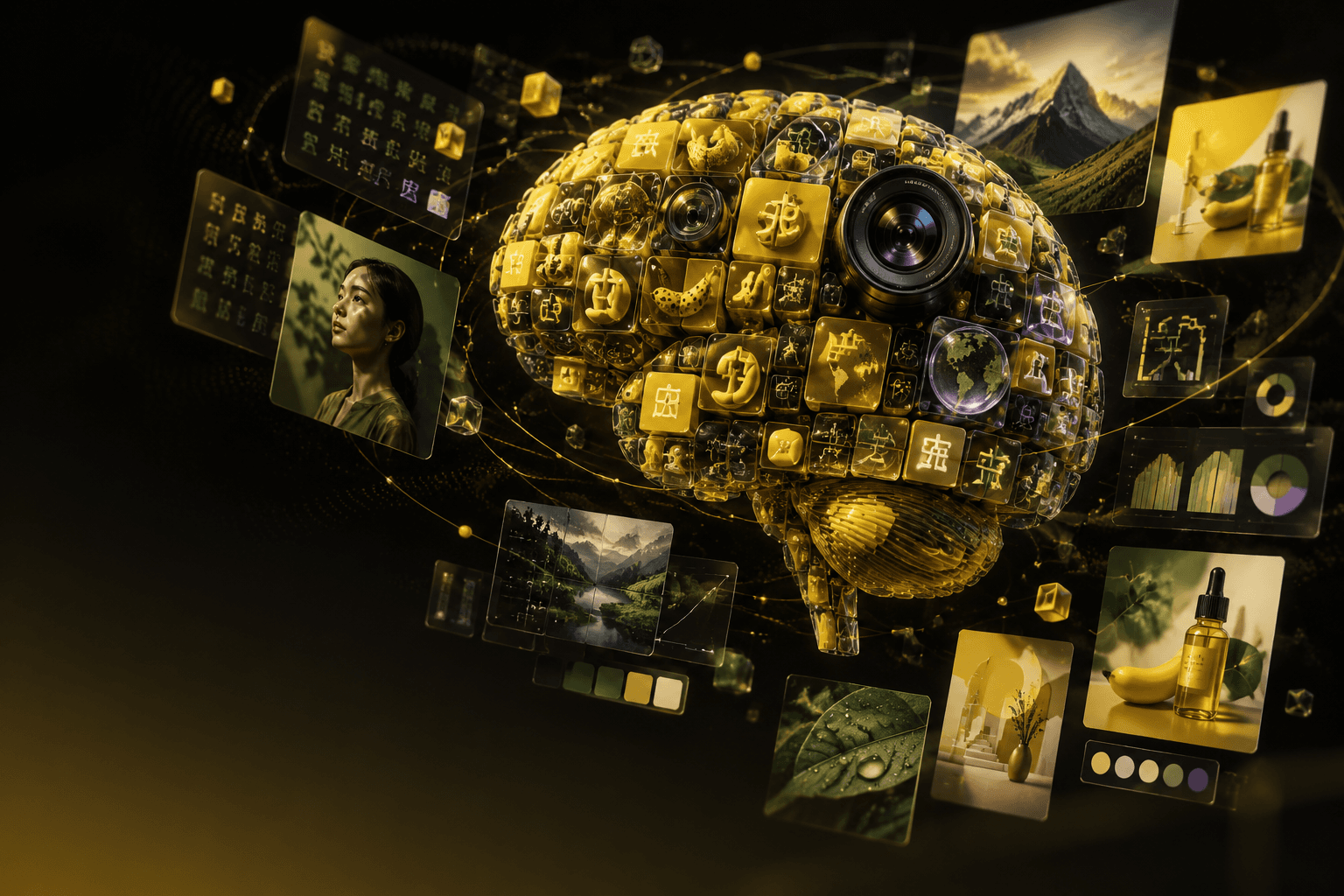
影片預設從 Seedance 2.0 開始,圖像預設使用 GPT Image 2,也可以直接選擇現成效果。HeyYa 把核心創作模型放進一個深色工作室。
平台支柱
上傳商品圖、選擇模型路徑,或在 Canvas 上串接工作流;HeyYa 讓視覺創作留在同一個地方,直到結果可以查看或下載。
價格
先從免費積分開始,再按同時運行的 AI 媒體任務量選擇合適方案。結帳和帳單詳情仍在完整價格頁完成。
AI 模型
按要完成的任務挑選影片或圖像模型,然後從同一個工作區開始生成。
Google VEO 3.1 Lite for 1080p text-to-video clips
10 credits / 8s
Google VEO 3.1 Fast for 1080p prompt and image-reference video
22 credits / 8s
Google VEO 3.1 Quality for 1080p prompt and image-reference video
154 credits / 8s
OpenAI
OpenAI's official video generation API
45 credits / 10s
OpenAI
OpenAI's official video generation API
141 credits / 5s
Kling
Kuaishou Kling V3 - t2v + i2v (1 image first frame, 2 images first/last frame)
90 credits / 5s
Kling
Kling video generation with image references and strong motion
71 credits / 5s
ByteDance
Cinematic video with native audio and scene transitions
117 credits / 4s
Bytedance
Cinematic video with native audio and scene transitions
92 credits / 4s
ByteDance
Seedance 1.5 Pro for audio-video clips and scene motion
18 credits / 4s
ByteDance
Seedance 1.0 Pro Fast for economical t2v and i2v drafts
21 credits / 5s
Runway
Runway Gen-4.5 for cinematic motion and controlled shots
No preset
Runway
Runway video generation for general-purpose t2v and i2v
16 credits / 5s
Luma
Luma Ray3 for cinematic camera moves and realistic scenes
No preset
Luma
Luma Ray2 for flexible prompt-to-video exploration
No preset
MiniMax
MiniMax Hailuo 2.3 - SOTA instruction following + 15 camera commands
39 credits / 6s
MiniMax
MiniMax Hailuo 02 Pro for high-quality controlled video clips
73 credits / 6s
Workspace notes
HeyYa is an AI video and image generation workspace for creators, marketers, ecommerce teams, and builders who need visual assets without switching between separate model tools. The workspace brings text-to-video, image-to-video, AI image generation, image editing, effects, and product showcase workflows into one place. You can start from a prompt, add reference images or video when a model supports it, choose the right generation tool, and keep the outputs in the same creative workspace.
The product focuses on practical generation flows rather than a single model brand. HeyYa can route creative work across model families such as Seedance, GPT Image, Veo, Sora, Kling, Nano Banana, Flux, Runway, Luma, and other supported providers as they become available. Each public tool page explains the input type, output type, estimated credit cost, and the kind of result that model or workflow is designed for.
Model availability is described on each public tool page. Some models support only prompt input, some support reference images, some support image-to-video, and some generation settings vary by provider. HeyYa does not promise unlimited resolution, guaranteed realism, perfect text rendering, or exact product accuracy. The workspace is designed to stay easy to understand: choose a tool, provide the right input, generate a result, and refine from there.
Common use cases include turning a written scene into a short video, transforming product photos into ecommerce clips, creating product or campaign images from a prompt, and trying different model families from the same workspace. These flows help teams move from concept to reusable visual assets without leaving the workspace.
Generate short videos from prompts, reference images, or supported video inputs. HeyYa video pages are organized around real use cases such as text-to-video, image-to-video, video extension, cinematic motion, and ecommerce product clips.
Create images, posters, product scenes, editable concepts, and visual variations with image models such as GPT Image, Nano Banana, Flux, and Seedream. Image workflows can support prompt-only generation or reference-based editing depending on the selected model.
Turn product photos into direct showcase video runs. The product video workflow can help analyze product images, plan ecommerce shots, prepare generation prompts, and produce a video-ready result from the same workspace.
Use HeyYa when you need both AI video generation and AI image generation in the same creative workflow. It lets you choose a tool, write a prompt, add supported references, generate media, and keep video, image, effect, and product showcase outputs in one workspace.
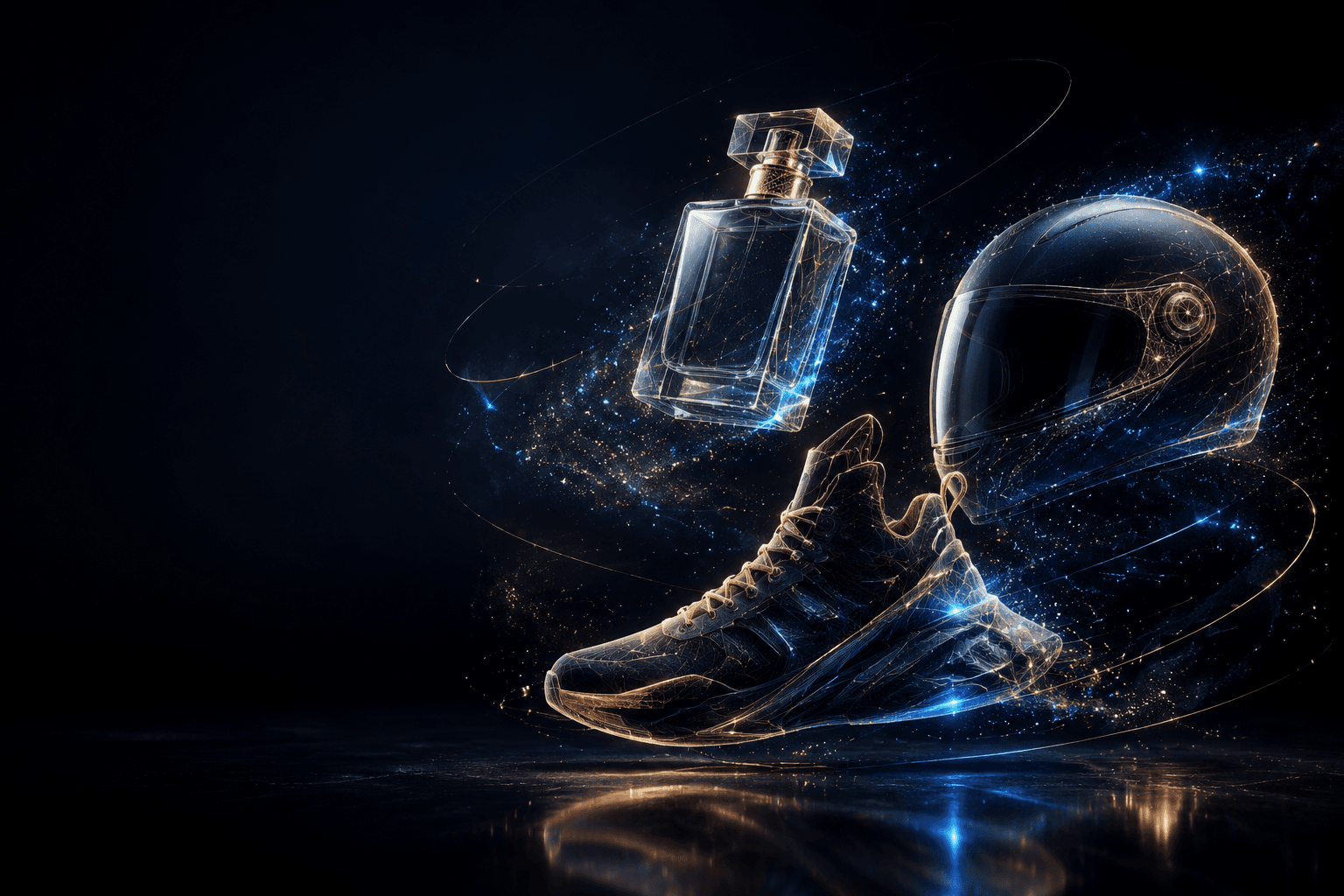
Start with the product showcase video workflow. Upload product photos, use the guided product flow to plan ecommerce shots, and generate a direct showcase video. This is better than writing every shot manually when you want catalog, ad, or store-ready product visuals.
Text-to-video starts from a written prompt and is useful for new scenes, concepts, and cinematic ideas. Image-to-video starts from a reference image and is better when the subject, product, character, or composition should stay close to the source visual.
HeyYa is built around a multi-model workspace. Public pages currently highlight model families such as Seedance, GPT Image, Veo, Sora, Kling, Nano Banana, Flux, Runway, and Luma where supported. Availability can vary by tool, provider status, and generation mode.
HeyYa uses credits to estimate and charge for generation work. Each public tool page can show an estimated credit cost for the selected model or workflow. The final cost can depend on the model, duration, resolution, input type, and provider settings.